
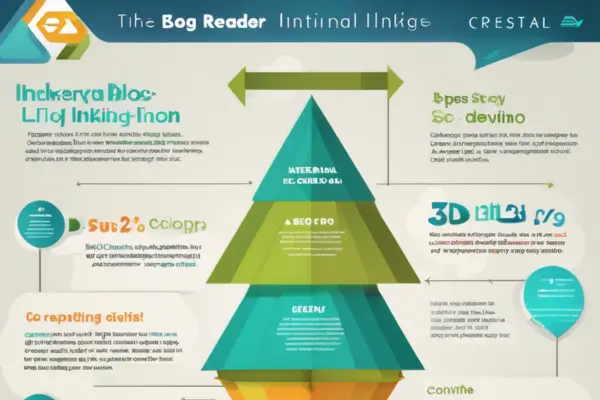
Internal linking is one of the simplest yet most powerful strategies in blogging. It not only helps search engines understand your website structure, but also keeps readers engaged, guides them to more relevant content, and boosts your site’s overall authority.
Done right, internal links can improve both your SEO rankings and your user experience—without needing any extra tools or tech skills.
Here’s how to use internal linking effectively on your blog.
1. What Is Internal Linking?
Internal links are hyperlinks that connect one page on your website to another page on the same website.
Example:
In a blog post about writing habits, you might link to another post about building a writing routine.
Not to be confused with external links, which point to other websites.
2. Why Internal Linking Matters
For SEO:
- Helps Google crawl and index your site more effectively
- Passes authority (“link juice”) from one page to another
- Signals which pages are most important
- Strengthens your topical relevance
For Readers:
- Keeps them engaged longer
- Provides context or additional info
- Guides them through related content
- Builds trust and credibility
3. Link Relevant, Helpful Content
Only link to other posts or pages that are truly useful and relevant to the current topic.
Example:
If your post is about writing faster, link to:
- Productivity tools
- Time management tips
- How to beat writer’s block
Avoid linking just for the sake of it—it should enhance the reader’s journey.
4. Use Descriptive Anchor Text
Anchor text is the clickable word or phrase in a hyperlink.
Bad:
Click here
Better:
Check out our guide to writing faster without sacrificing quality
Why it matters:
Descriptive text tells search engines (and users) what the linked page is about.
5. Link to Both Older and Newer Posts
Many bloggers only link to recent articles—but don’t forget your evergreen content.
Strategies:
- Update old posts with links to newer ones
- Add links to older high-performing posts from your new content
- Build a “hub-and-spoke” system where one main article links out to several detailed subtopics
This keeps your entire content library alive and circulating.
6. Use a Clear Linking Structure
Think of your website like a pyramid:
- Home page at the top
- Main category or pillar pages
- Blog posts supporting each category
- Deep dives, case studies, etc.
Link upward and downward between levels to keep everything connected.
7. Don’t Overdo It
Too many links in a paragraph can feel spammy or overwhelming.
Rule of thumb:
- Use 2–5 internal links per 1,000 words (varies by context)
- Make sure they fit naturally in the flow of the text
- Don’t link the same phrase repeatedly in one post
Quality beats quantity.
8. Add Internal Links Strategically
Great places to include internal links:
- Within the body of the post (most effective)
- In introductory or conclusion sections
- As “related posts” or “read next” sections
- In sidebars, footers, or CTAs
Use them to guide readers where they’ll get the most value next.
9. Use Internal Linking for CTAs
Guide readers to take action with strategically placed internal links.
Examples:
- Want more structure? Try our writing outline template.
- New to blogging? Start with this beginner’s guide.
- Ready to grow? Here’s how to build a blog content strategy.
CTAs can link to products, services, lead magnets, or other valuable content.
10. Monitor and Maintain Your Links
Over time, some pages may move or get deleted—leading to broken links.
Use tools like:
- Google Search Console
- Ahrefs
- Broken Link Checker
Regularly audit and update your internal links to keep them working and relevant.
Final Thoughts: Internal Links Build Stronger Blogs
Internal linking isn’t just an SEO trick—it’s a way to create a more intelligent, helpful, and user-friendly blog.
It turns isolated posts into a connected knowledge hub.
It helps readers go deeper.
And it helps your content work harder—together.
So, next time you hit “publish,” don’t stop there.
Link it. Guide it. Strengthen it.